How to Merge PDF Files Online for Free
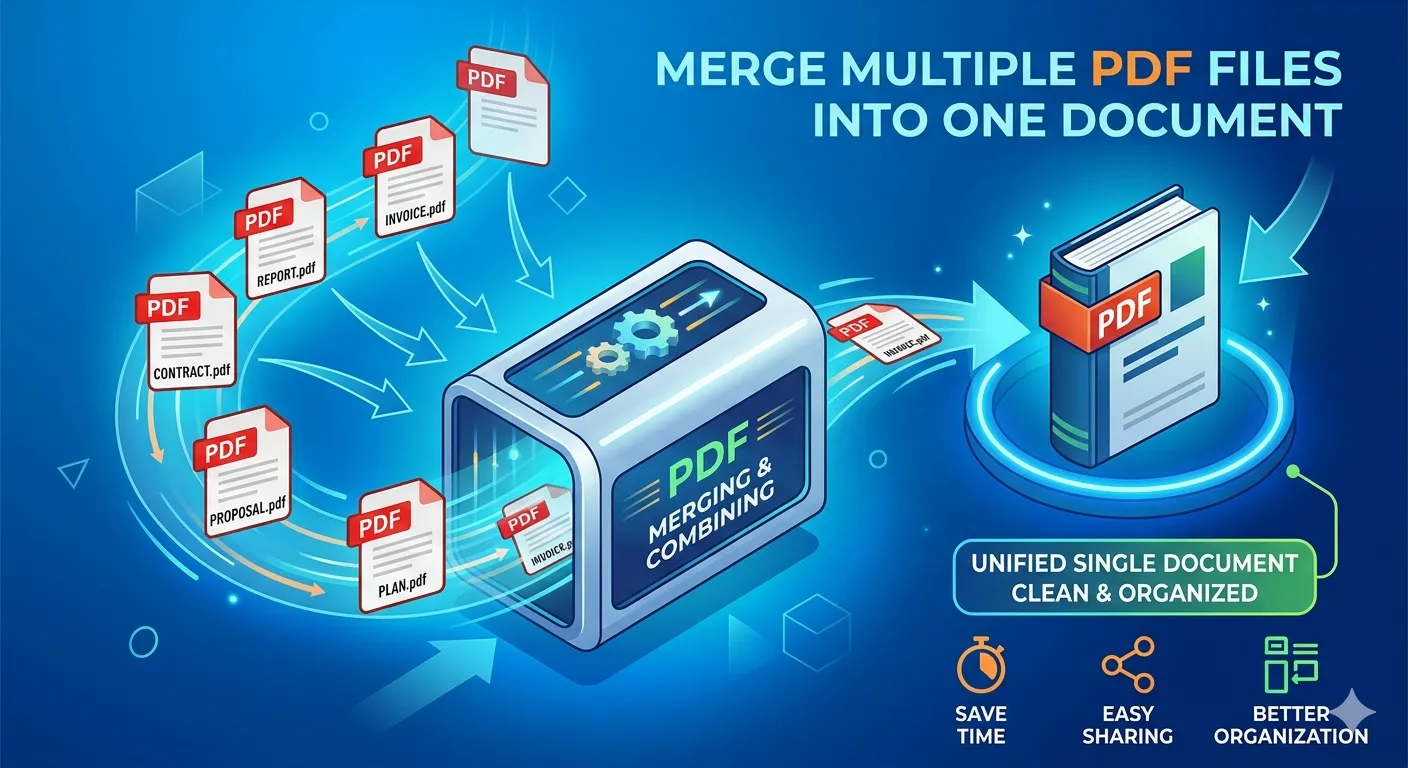
Whether you are preparing a consolidated report, compiling tax documents, or putting together a portfolio, merging multiple PDFs is a task everyone eventually faces. With the right tool, you don't need expensive software like Adobe Acrobat to combine PDF files.
In this guide, we'll walk you through how to use a secure, fast, and free online PDF Merger to combine your documents in seconds.
Why Merge PDFs Online?
Managing dozens of separate PDF attachments is frustrating for both the sender and the receiver. By combining PDF files into a single document, you achieve:
- Better Organization: One file is easier to track, store, and share than ten scattered documents.
- Professionalism: Sending a single, neatly merged PDF looks much more professional in business communications.
- Faster Printing: You only have to hit print once for a collated document.
The Most Secure Way to Combine PDFs
When dealing with sensitive documents—like legal contracts or financial statements—uploading them to a remote server can be a privacy risk.
Our PDF Merger is built with a client-side architecture. This means your files never leave your device. The merging process happens entirely within your web browser using your computer's resources, ensuring 100% data privacy and lightning-fast speeds.
Step-by-Step: How to Merge PDF Files
Merging your PDFs is incredibly simple. Here’s how you can combine your files in just a few clicks:
1. Upload Your Files
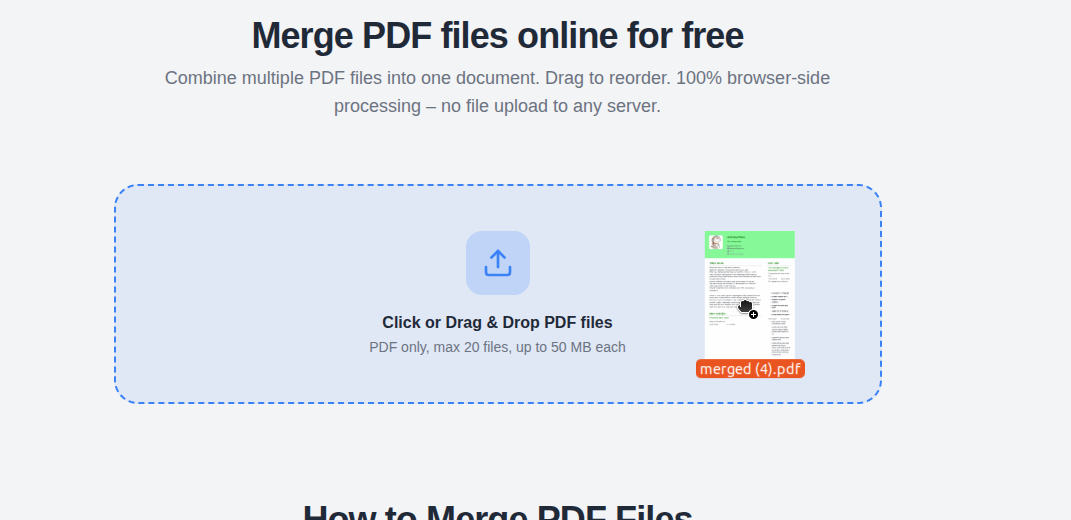
Start by opening the PDF Merger tool. You can click to browse your computer or simply drag and drop your PDF files directly into the upload zone. You can select multiple files at once.
2. Rearrange and Rotate
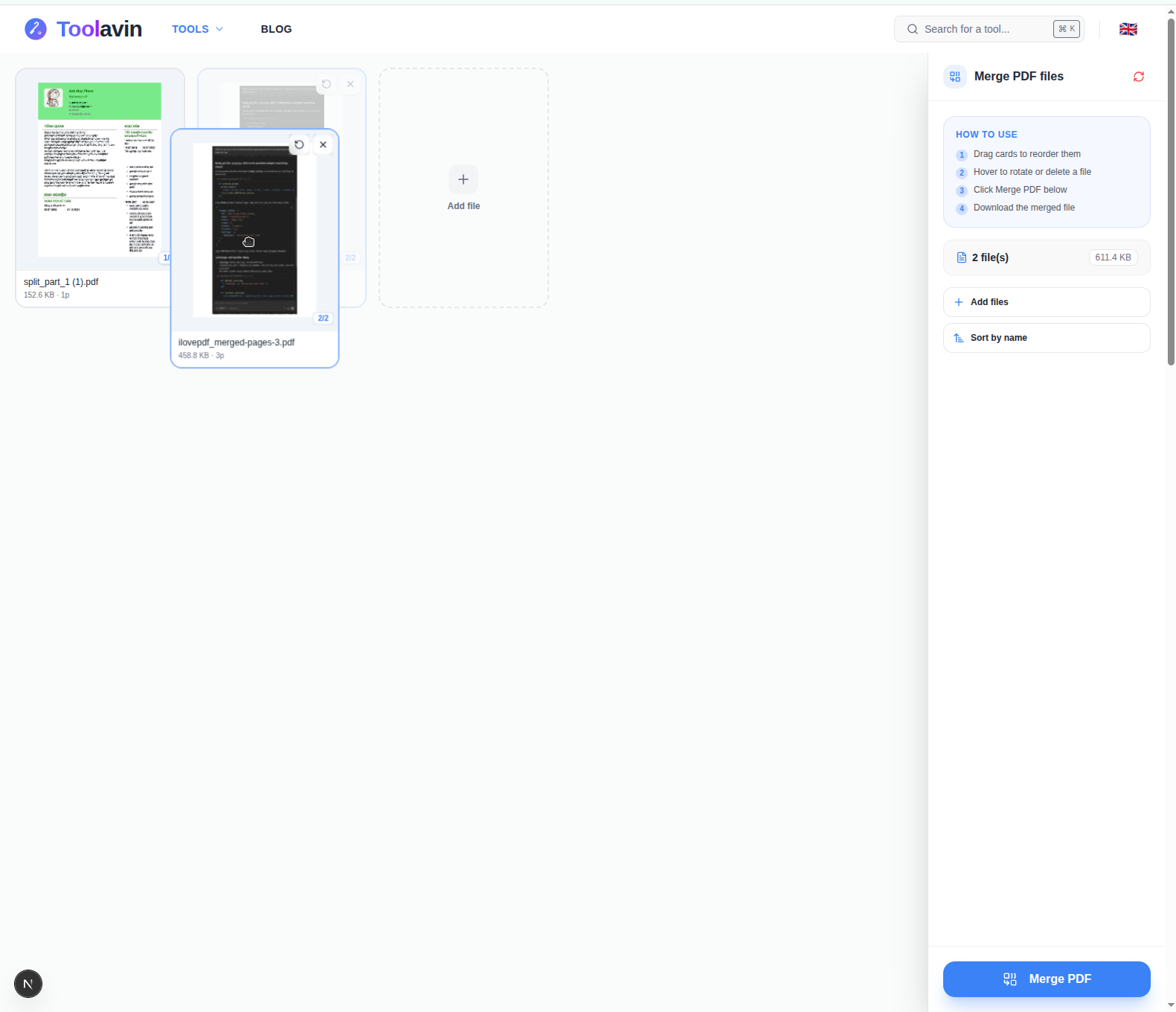
Once uploaded, you will see a visual layout of all your PDFs. The order they appear here is the order they will be merged.
- Reorder: Simply drag and drop the PDF thumbnails to rearrange their sequence.
- Rotate: Sometimes scanned documents come out sideways or upside down. Use the rotate button on individual thumbnails to fix orientation before merging.
- Remove: Accidentally uploaded the wrong file? Click the 'X' button to remove it from the queue.
3. Merge and Download
When everything looks perfect, click the Merge PDF button. Because the tool works locally in your browser, the combination happens almost instantly. Once done, simply click Download PDF to save your combined file.
Pro Tips for Managing PDFs
- Keep File Sizes in Check: Merging high-resolution PDFs can result in a massive final file. If your merged PDF is too large to email, consider using our Image Compressor to reduce the size of the images before converting them to PDF.
- Split Before You Merge: Sometimes you only need specific pages from a document. Use our PDF Splitter to extract the exact pages you want before sending them to the Merger.
Ready to Organize Your Documents?
Combining PDFs shouldn't be a premium feature hidden behind a paywall. Our browser-based tool makes it free, secure, and incredibly fast. Give your disorganized folders a break and neatly combine your documents today.